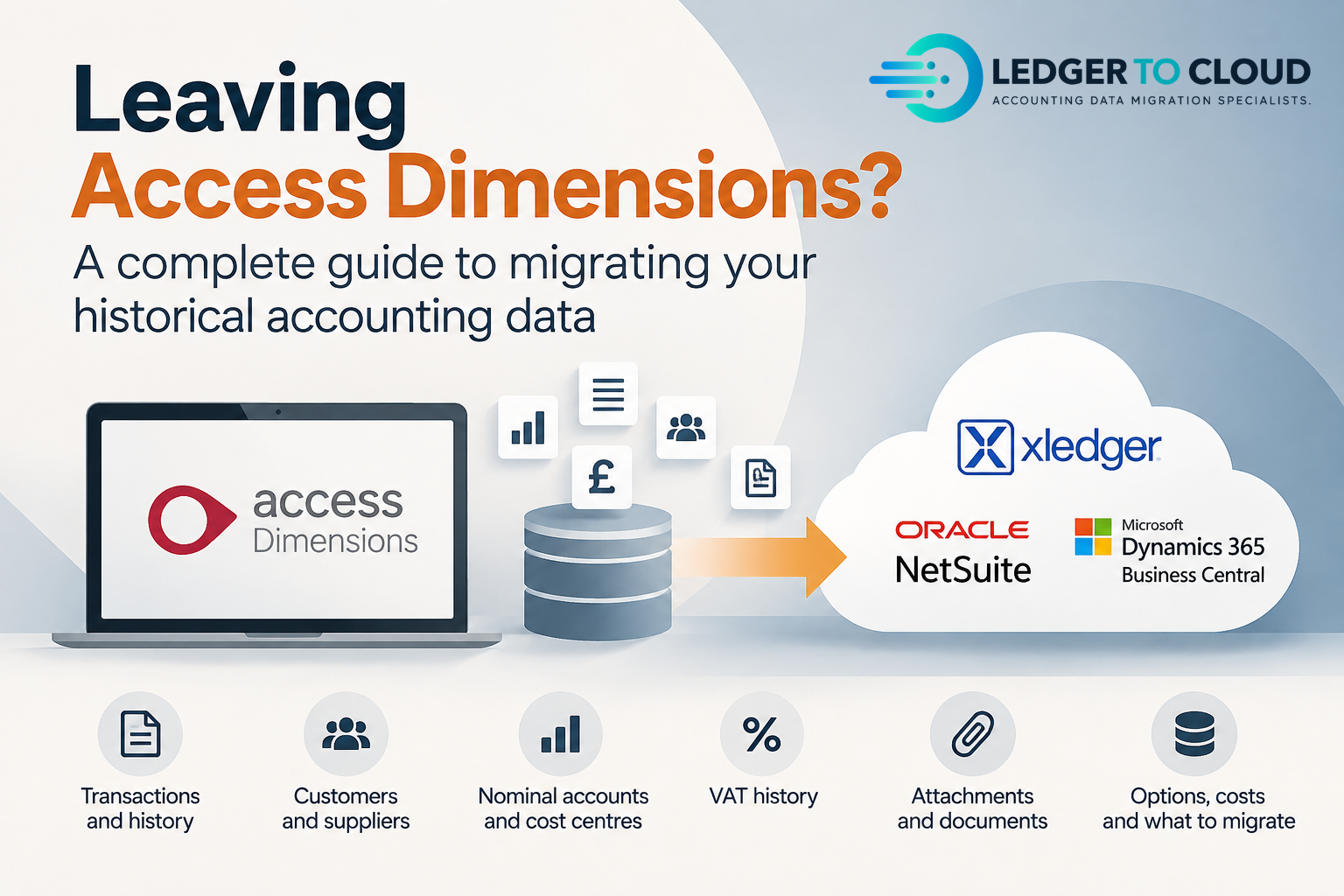
Leaving Access Dimensions? A Complete Guide to Migrating Your Historical Accounting Data
Moving away from Access Dimensions is not simply an export-and-import exercise. Historical transactions have to be understood, transformed for the destination structure and reconciled so the finance team can explain what moved and what did not.
This guide covers the practical decisions behind moving Access Dimensions history into platforms such as Xledger, NetSuite and Microsoft Dynamics 365 Business Central — including accounting periods, AOI access, subledgers, VAT, attachments, cost and how much history is actually worth migrating.
What historical data can be migrated from Access Dimensions?
The useful answer is not simply “the ledger”. A historical migration can involve nominal transactions, customer and supplier activity, journals, bank activity, tax detail, foreign currency, account structures, departments or other analysis fields, open items, allocations and supporting document references. What should move depends on what the finance team needs after go-live and what the destination can represent sensibly.
Before transformation starts, the source should be profiled. That means understanding the companies, years, transaction volumes, posting structures, currencies, analysis dimensions and any known inconsistencies rather than assuming every Access Dimensions database has been used in the same way.
AOI: why we ask for it before migration work starts
For Access Dimensions projects, we normally need the Access Office Integration (AOI) tools available on the machine or remote environment we are given access to. AOI provides a practical way to query and extract accounting data from Access Dimensions into an environment where it can be reviewed and processed.
Having AOI installed and working before the migration window begins is useful because it lets us validate the source, build repeatable extracts and investigate exceptions without relying on manually exported reports for every check. The exact extraction method can vary by environment and scope, but confirming AOI access early removes an avoidable project dependency.
If remote access is being prepared for us, the machine should have the required Access Dimensions access and AOI available and tested. Finding this out on day one can delay data processing.
Transaction date and accounting period are not always the same thing
One of the most important Access Dimensions migration questions is how the business has used accounting periods. A transaction can belong to an accounting period that does not align neatly with its transaction date. A destination platform may be more date-driven, so simply carrying the original date across can change how historical reporting appears by month or period.
Where this matters, the treatment should be agreed with the finance team before loading. Sometimes original dates remain appropriate; in other cases the migration needs an agreed method for preserving the intended reporting period. Any date changes should be documented so the transformed history remains explainable against Access.
Chart of Accounts, departments, cost centres and analysis structures
A system change is often also a reporting redesign. Access nominal codes, departments, cost centres or other analysis fields may need to map into a new Chart of Accounts and a different dimensional model.
That mapping should be intentional. Historical data can often be consolidated or restructured around the future reporting design, but the mapping schedule needs to provide a bridge back to the source. Blind one-to-one replication can carry years of legacy structure into a system that was implemented specifically to improve it.
Customers, suppliers, invoices and allocations
A headline debtor or creditor balance is not the same as usable subledger history. If customer and supplier history is in scope, decide whether you need open invoices only, settled history as well, original references, due dates, credit notes, payments and the allocations that explain how items were settled.
This is particularly important around cut-over. The aged receivables and payables in the destination should agree to the intended migration position, while open items and allocations should support the finance team's day-to-day collection and payment processes.
VAT, foreign currency and bank history
VAT history needs to be scoped separately from the nominal balance. Consider tax codes, net and tax values, VAT reporting requirements and how the destination expects historical tax data to be represented. The objective is not to manufacture old VAT returns in a new platform, but to preserve the accounting detail the business actually needs and to make the cut-over position clear.
Foreign-currency history adds transaction currency, exchange rates, base-currency values, settlement and revaluation questions. Bank history also needs context: balances may agree while unreconciled or late-reconciled items still need treatment at cut-over.
What happens to attachments and supporting documents?
Attachments should be discussed at discovery rather than assumed to be part of the ledger extraction. The accounting transactions and the underlying document store can have different extraction routes, naming conventions and costs. If historical invoices or supporting files must be available from the new system, confirm how they can be obtained from the legacy environment and how they can be matched back to transactions.
Before cancelling Access or any related document access, make sure the business has a documented plan for the records it must retain.
Opening balances, selected history or full transactional history?
“How many years?” should come after “what do we need to do with the history?” Some businesses genuinely need detailed comparative reporting and operational lookup inside the new platform. Others need current-year continuity plus an archive. Some only need a controlled opening position.
| Approach | Often suits | Key consideration |
|---|---|---|
| Opening balances | Future-focused implementation with reliable legacy access | Historical reporting remains outside the new platform |
| Selected history | Businesses needing current/prior-year comparatives | Agree the cut-off and treatment of open items |
| Full detailed history | Teams retiring Access or needing deep in-system analysis | More transformation, validation and destination capacity |
| Archive/read-only approach | History needed mainly for reference or retention | Check long-term accessibility, licence and infrastructure cost |
Our opening balances vs full historical data guide explores this decision in more detail.
Cost matters: compare read-only Access with migrating the history
Full historical migration can be valuable, but it should earn its place in the project. If the business can keep secure, usable read-only Access history at a sensible cost, migrating every old transaction may add work without adding equivalent value. Conversely, keeping old infrastructure, licences or specialist access purely to retrieve history can become expensive and inconvenient.
We recommend comparing the real requirement and total cost of each approach. If users only need two years of detailed reporting in the new platform while older years can remain in a reliable archive, limiting the migration scope can potentially save thousands of pounds. If audit, operational, reporting or access requirements mean the old system genuinely needs to be retired, deeper historical migration may be the better investment.
The aim is to give the business the history it needs in the right place, with a cost and support model that makes sense after go-live.
The destination changes the migration
Access Dimensions data does not have one universal target shape. Xledger, NetSuite and Business Central use different structures, import methods, dimensional models and controls. The implementation partner normally defines the future-state configuration; the migration workstream then transforms the historical data around that approved design.
Xledger
Historical transactions can be transformed around the agreed Xledger structure, including relevant dimensions and subledger treatment. The load and validation method should be tested before live.
NetSuite
The migration needs to align with the implemented subsidiaries, accounts, segments, currencies and agreed historical-data design rather than reproduce Access fields literally.
Business Central
Historical data needs an agreed treatment within the Business Central implementation, particularly where the new Chart of Accounts and dimensions differ from Access.
That is why we treat migration as a separate accounting-data workstream alongside implementation, not as the last import task at the end of the project.
How long does the migration data processing take?
For a typical Access Dimensions historical-data project, the data-processing phase is usually around 1–7 working days, depending on volume, number of entities, data quality, history, mapping complexity and the issues found during validation.
Once the destination implementation is complete, the configuration is approved and the system is ready to receive the migration, the final processed-data import into platforms such as Xledger, NetSuite or Business Central will typically take a couple of working days. Complex validation, destination constraints or unexpected source issues can extend this, which is why we prefer the transformation and testing work to happen before the final cut-over window.
How do you prove the migrated history is right?
A successful import is not enough. Validation should compare the accounting result back to Access using the controls appropriate to scope: Trial Balance, aged receivables and payables, bank/control accounts, VAT or tax values, transaction counts and values, dimensions, currencies, mappings and documented exceptions.
Where differences are expected because the reporting structure or dates have been transformed, those differences should be explainable rather than hidden. The objective is a migration trail that the finance team can follow from source through transformation to destination.
When can Access Dimensions be switched off?
Do not cancel access simply because the first import has completed. Before retirement, confirm that the agreed history has been migrated or archived, reconciliations have been completed, users can retrieve what they need, supporting documents have an agreed home, and the business has considered its statutory and operational retention requirements.
It is also worth preserving the source extracts, mapping files, reconciliation evidence and known-difference log. Those artefacts explain how the historical ledger was transformed long after the migration project itself has finished.
Questions to ask before you scope the migration
Will our old transactions still be available?
Decide whether they need to be inside the new ERP or whether secure archive/read-only access is sufficient.
Will the historical Trial Balance reconcile?
Agree the source controls, mapping rules and expected differences before live import.
How will accounting periods be handled?
Check whether Access period reporting differs from transaction-date reporting and what the destination supports.
Can we close Access after go-live?
Only once migration, archive, documents, retention and validation requirements have all been addressed.
Define the historical-data workstream before cut-over.
Ledger to Cloud works with finance teams and implementation partners to extract, restructure, migrate and reconcile historical accounting data into modern cloud platforms.